
Two cameras. One take.
Every file you need.
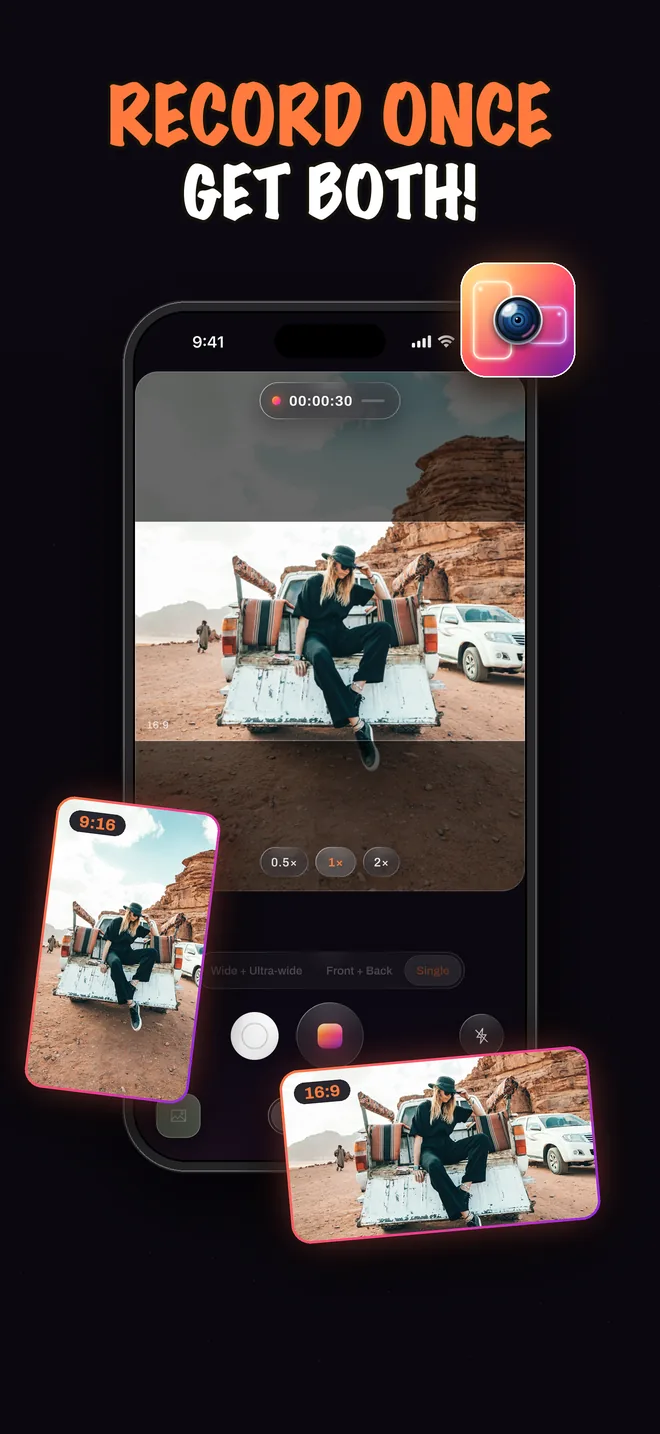
Record the front and back cameras at the same time, or the wide and ultra-wide lenses together, and choose what the take saves: one combined video with the window already in place, a clean video from each camera, or all three. No timeline, no syncing, no second take.
Camera modes
Three ways to point the cameras
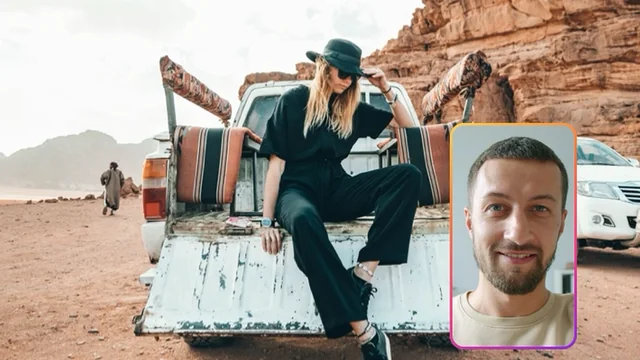
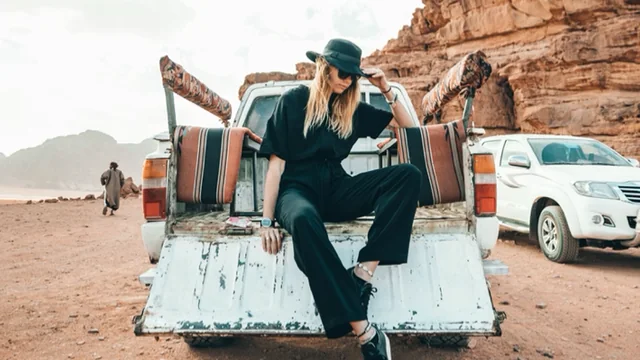
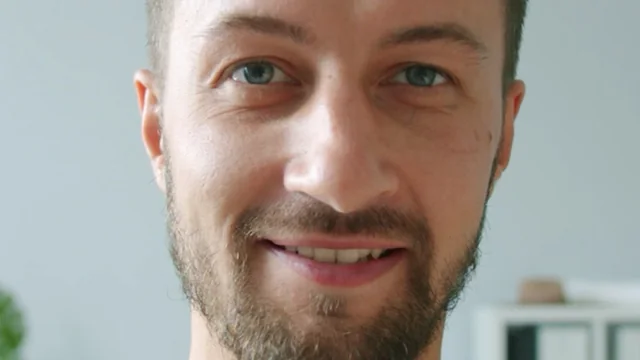
Which two cameras run decides what the take is for. Swipe between the modes on the mode pills; layouts, What to save, the teleprompter and the photo mid-take work the same in each.
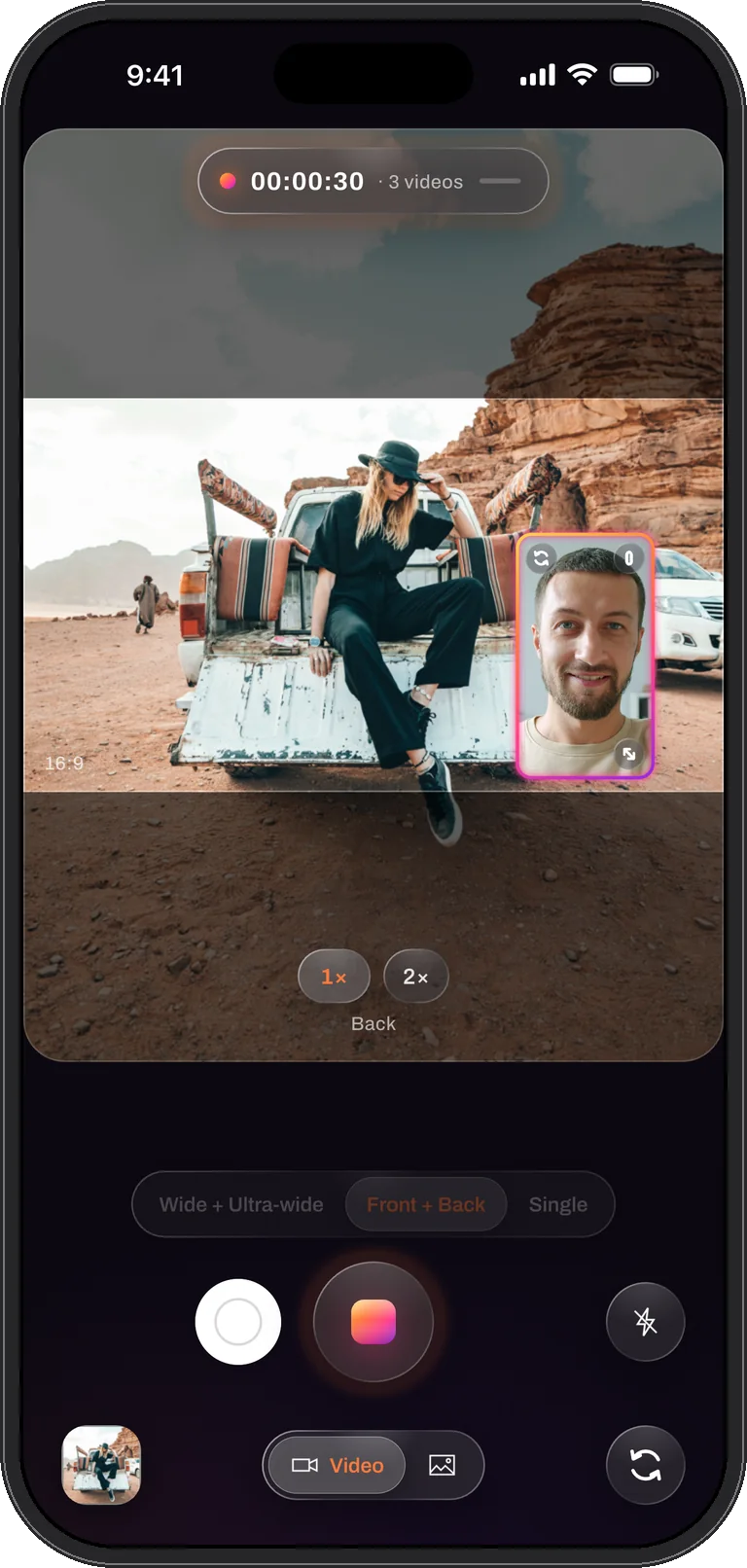
You and what you see
Your face and the scene, recorded at the same instant with one microphone track. Reactions, vlogs, walk-throughs, or two people across a table with one phone between them.
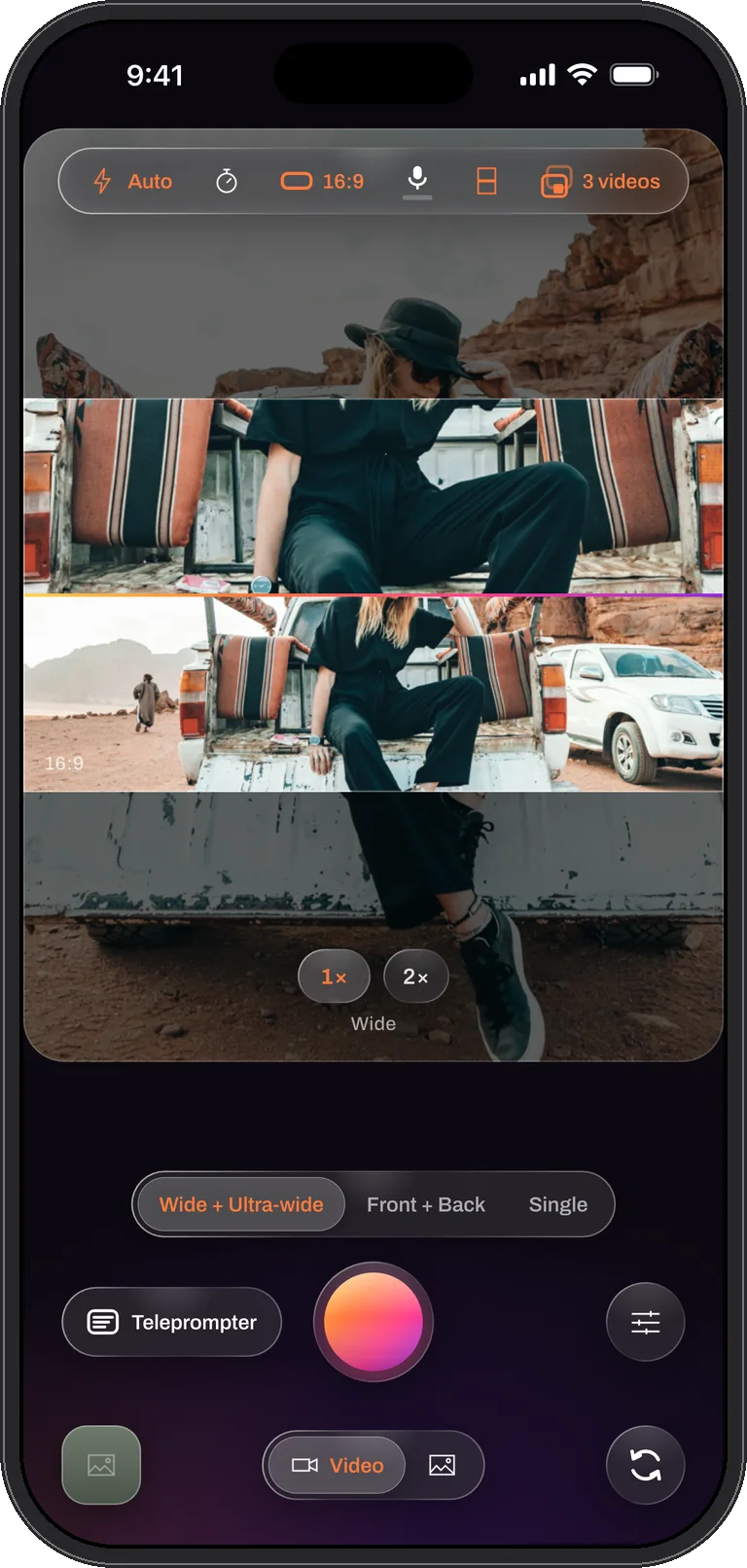
Close and wide, the same moment
The 1× and 0.5× lenses record the same scene at once: the hands and the whole kitchen, the speaker and the whole stage. Two angles of one take that already line up, or one composed video. The second camera every shoot used to need, already in the phone.
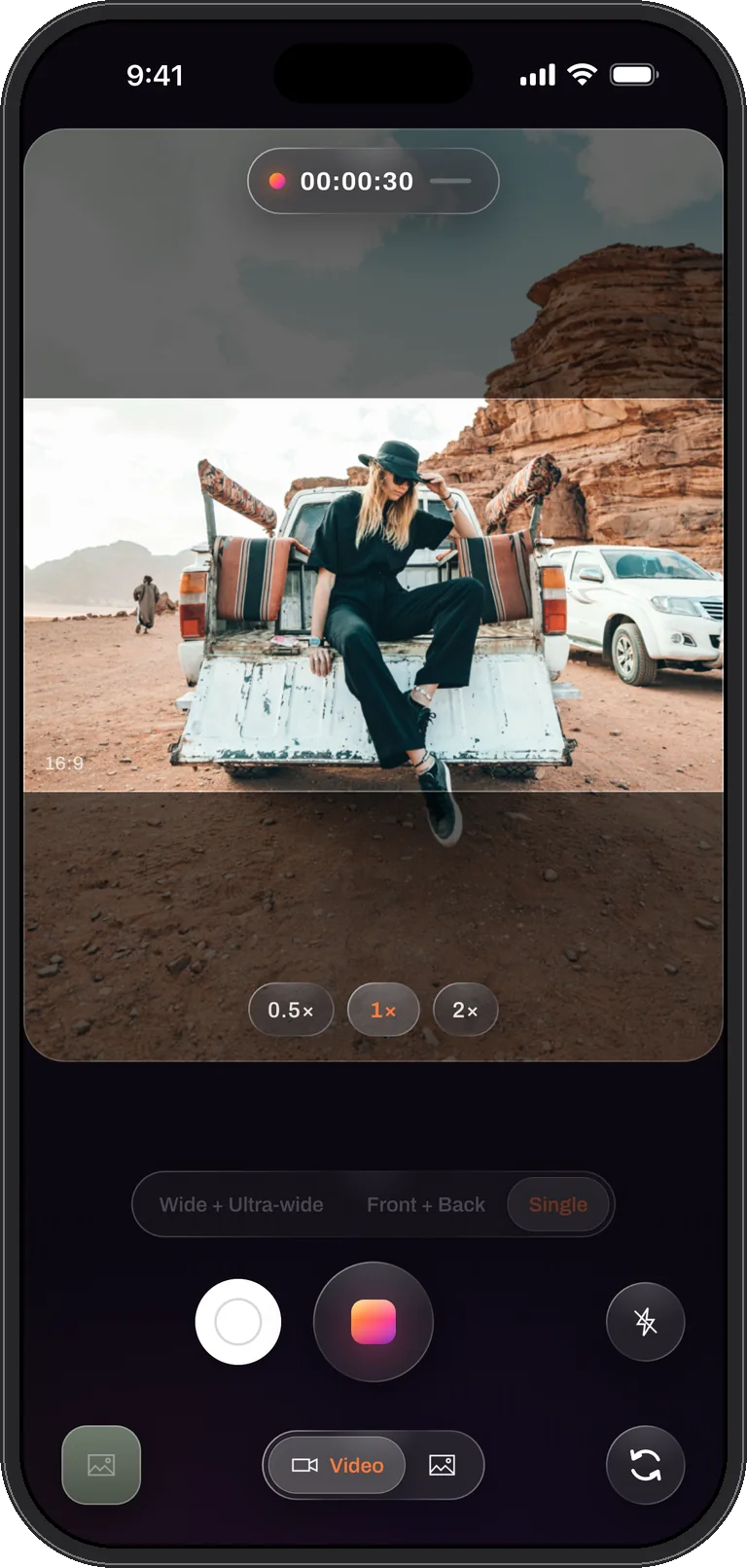
One camera, full quality
Any lens at the phone’s best, up to 4K at 60 frames per second, with a 0.5× pill for the ultra-wide. The mode every iPhone can use, and the one for a picture that has to be at its sharpest.
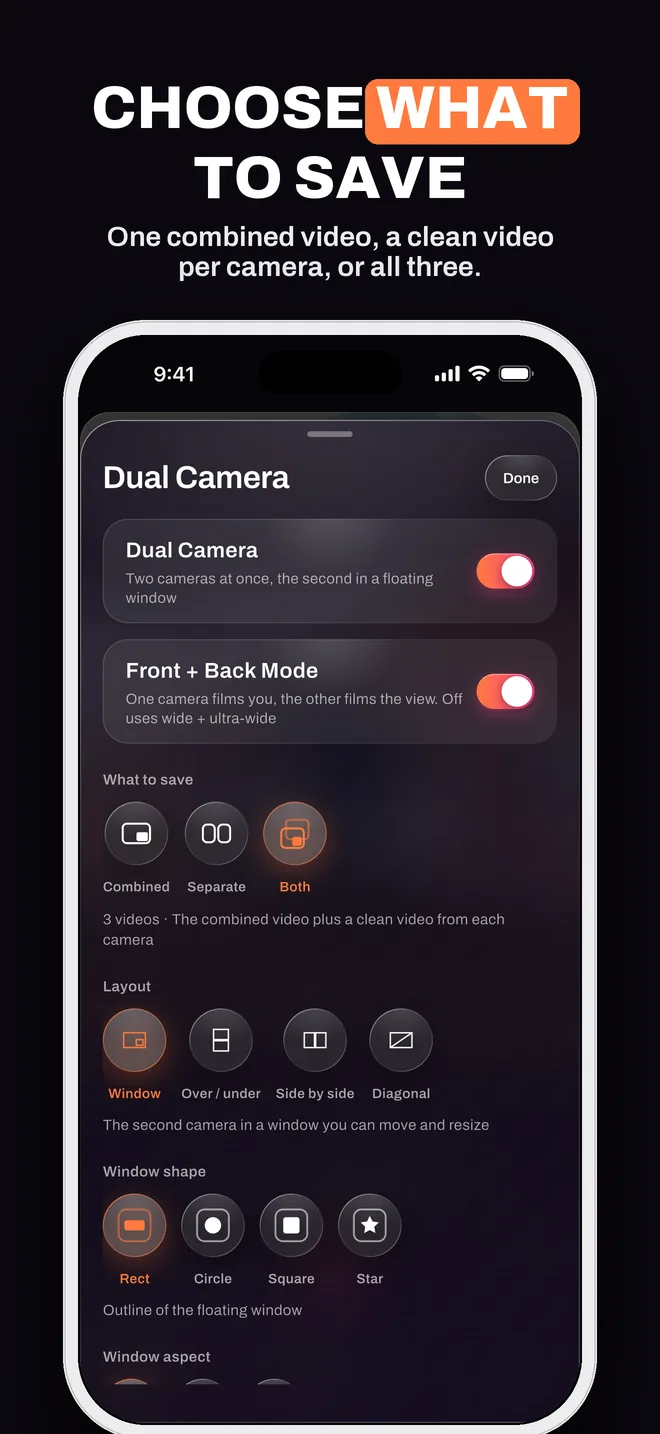
What to save
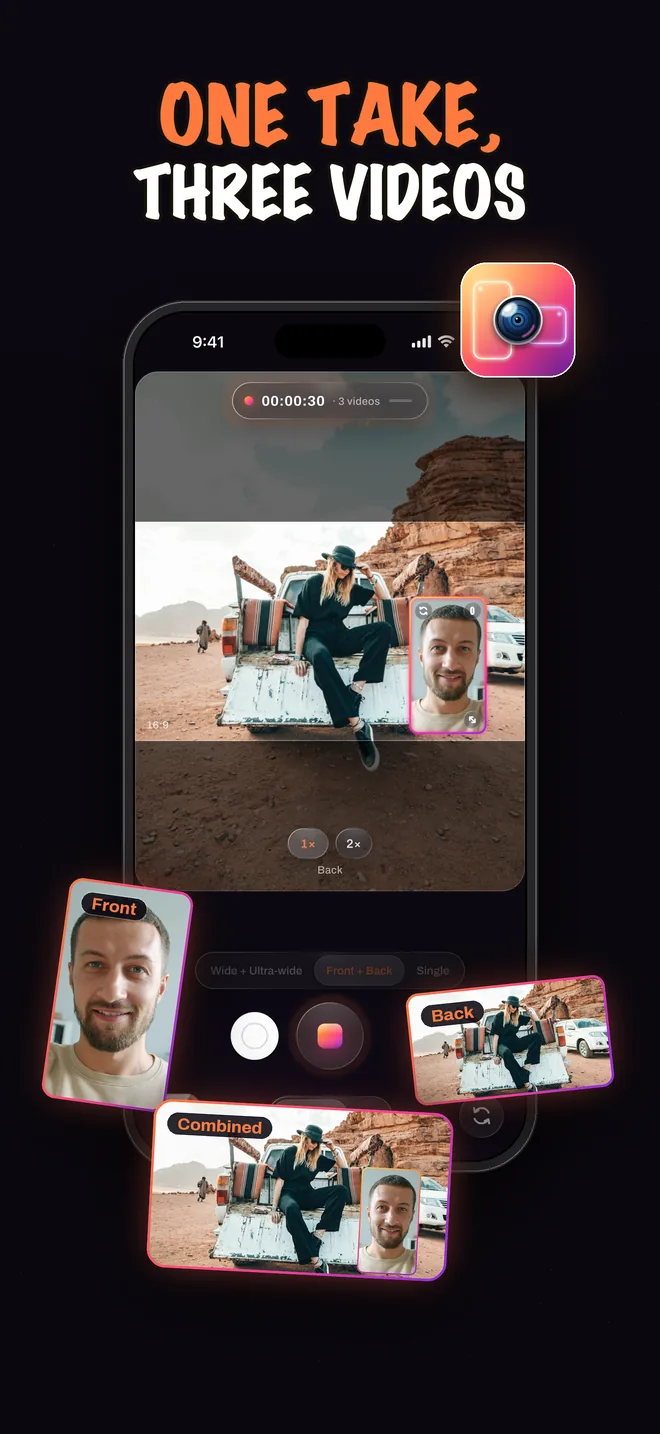
One take. Up to three videos.
Before you record, say what the take should keep. Every file starts on the same frame and shares one size, so the clean videos line up in any editor without a single adjustment.
Saved Separate or Both? The take can be rearranged later in the editor.
Combined, Separate or Both, in detail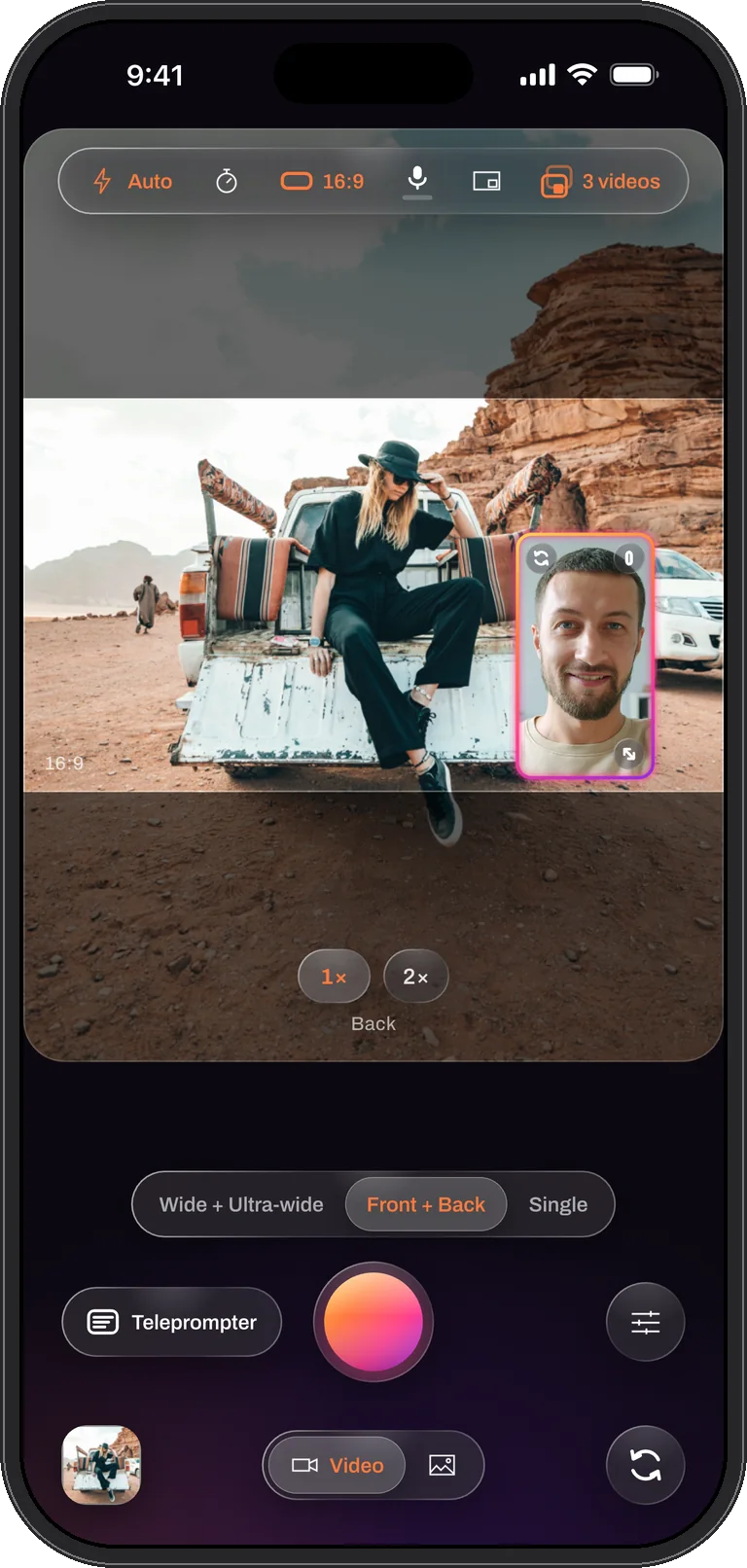
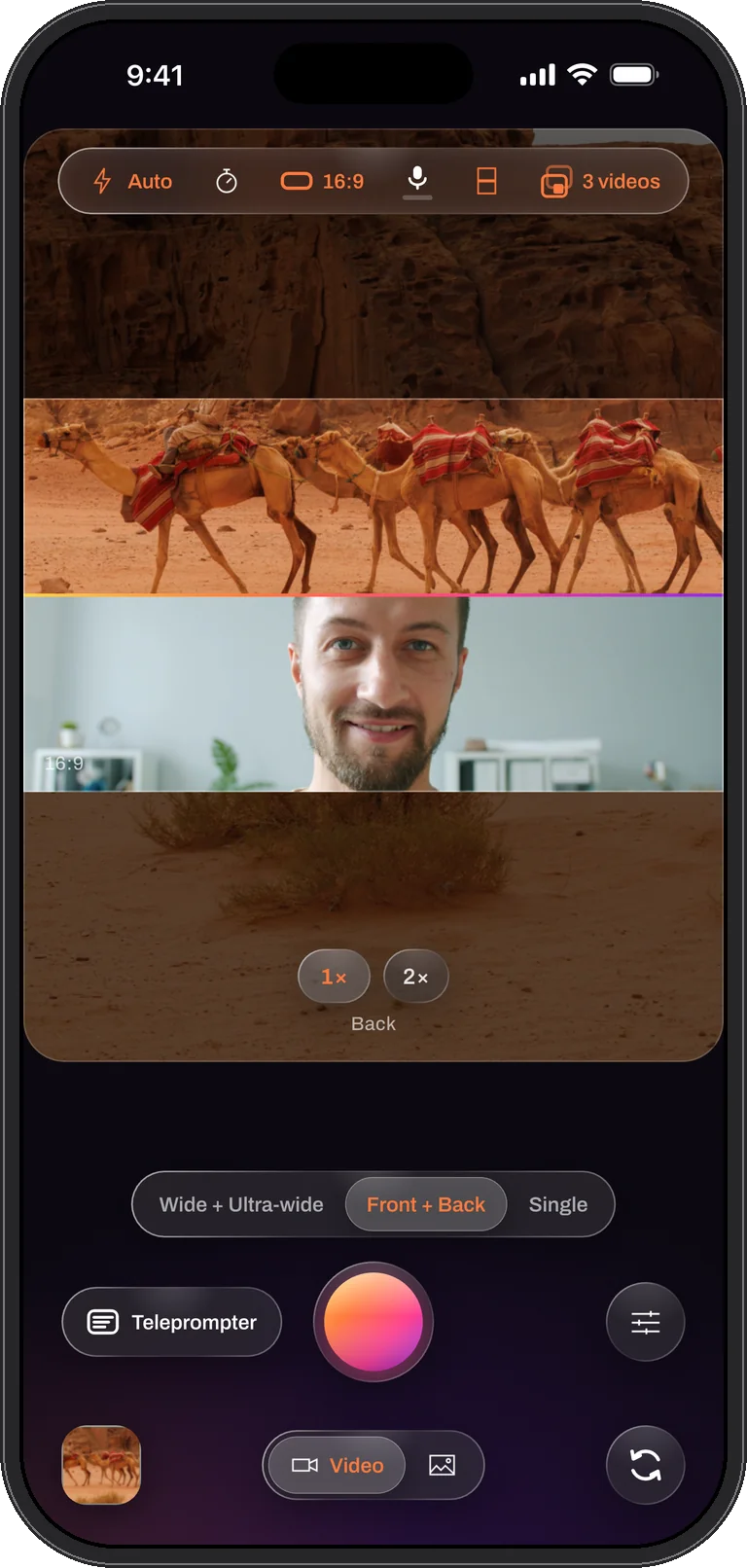
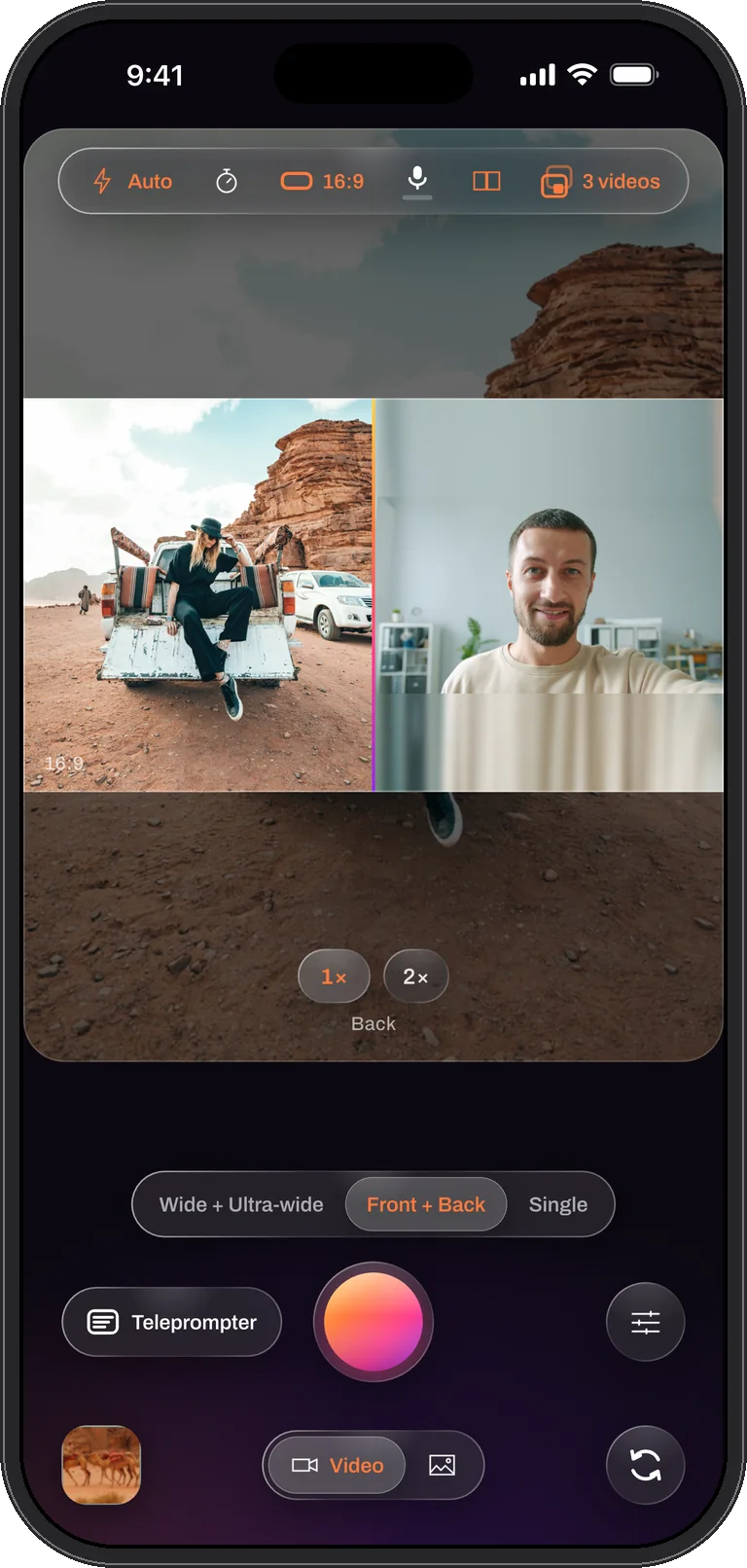
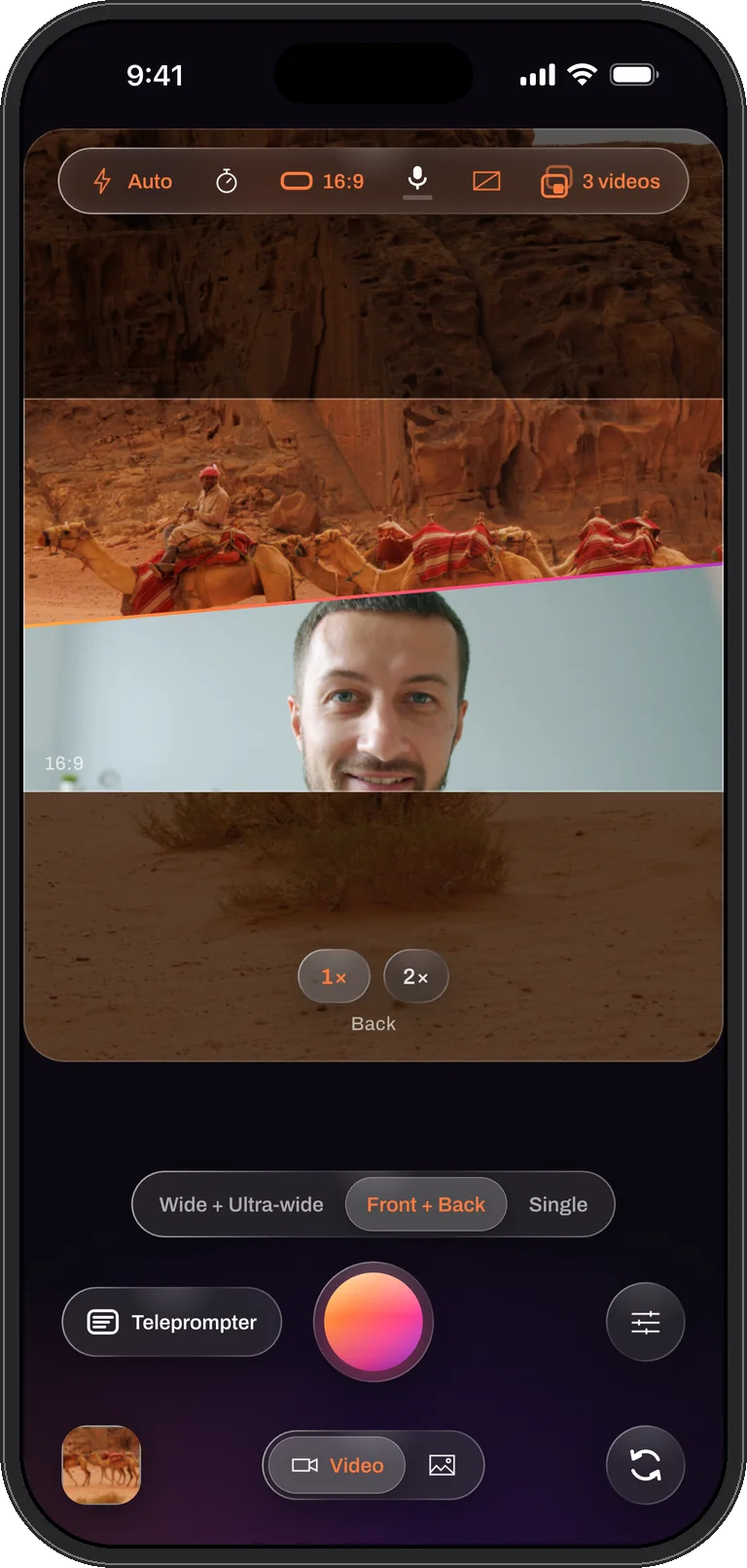
Layouts
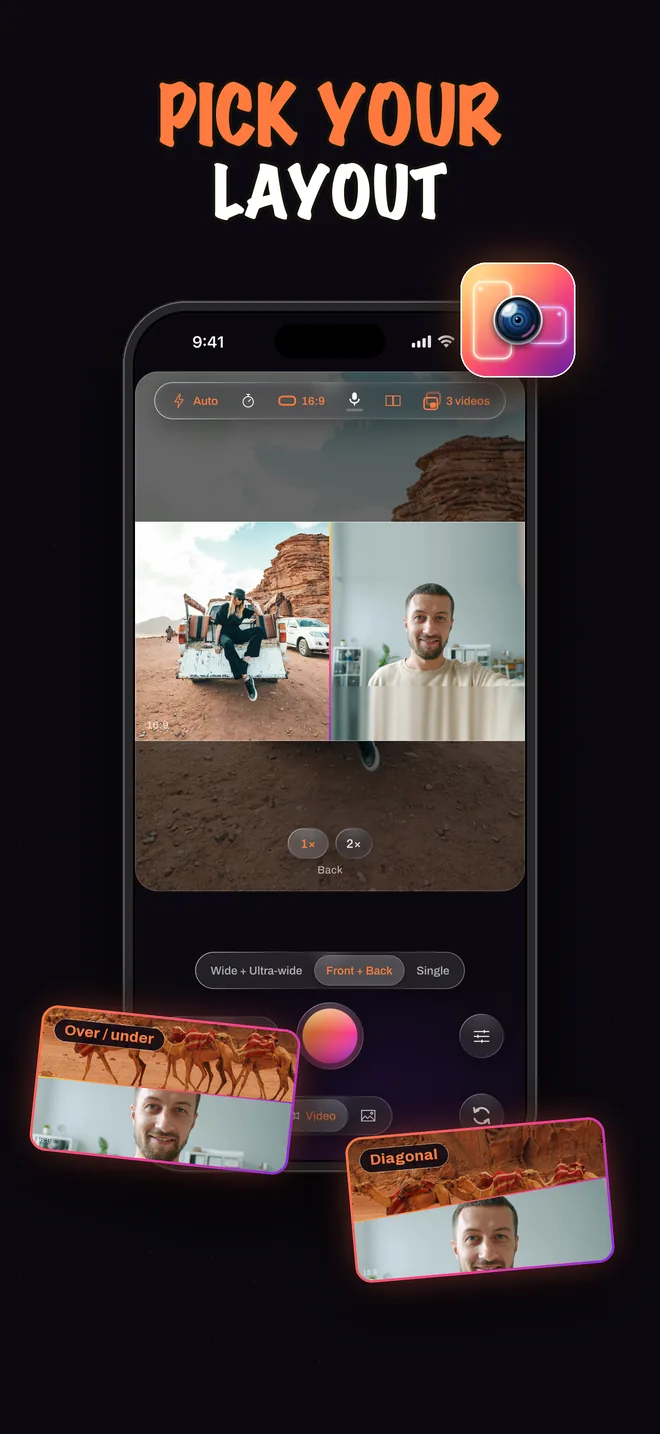
Four ways to frame two cameras.
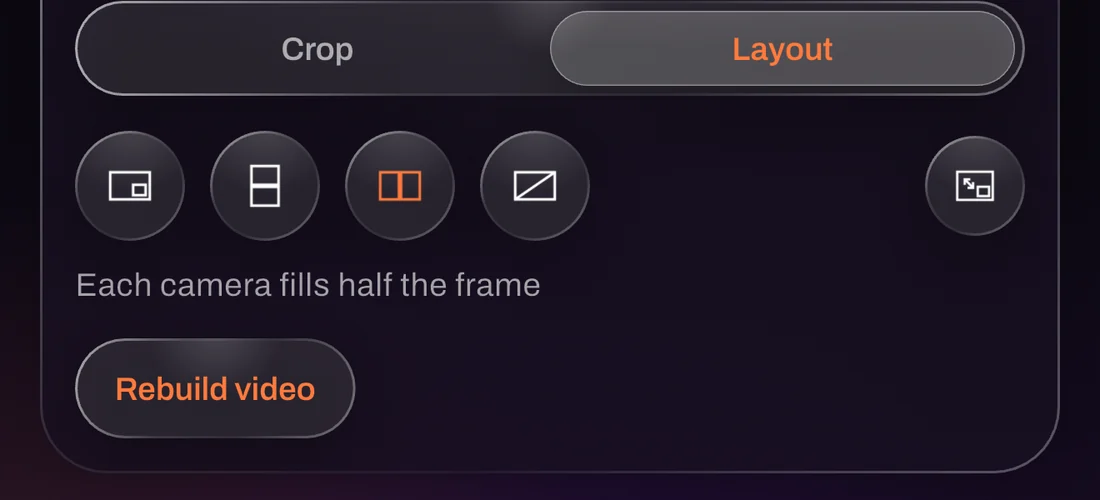
Pick one from the top bar, change it mid-take, and the file matches the preview to the pixel. Tap a layout to see it.
How it works
Three taps, then just film
Everything happens on the phone. Nothing to sync, nothing to line up afterwards.
Pick your cameras
Front + Back, Wide + Ultra-wide or a single camera. Then say what the take should save: Combined, Separate or Both.
Record once
Move, resize or reshape the window while you shoot, or switch to a split. Grab a photo mid-take. Read your script off the screen.
Get every file
The combined video, a clean video from each camera, or all three land in the library together, same length, same size, lined up frame for frame.
What it does
Built for people who post everywhere
Everything here is free. Exporting the files to Photos is the one thing PRO unlocks.
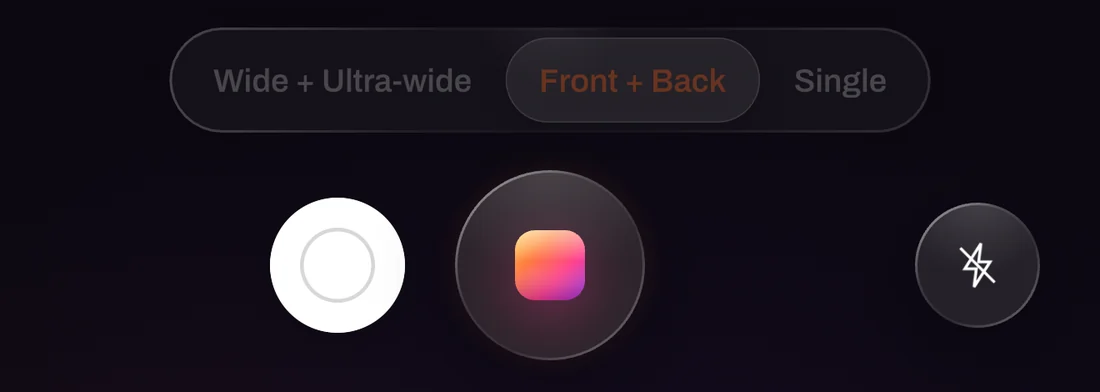
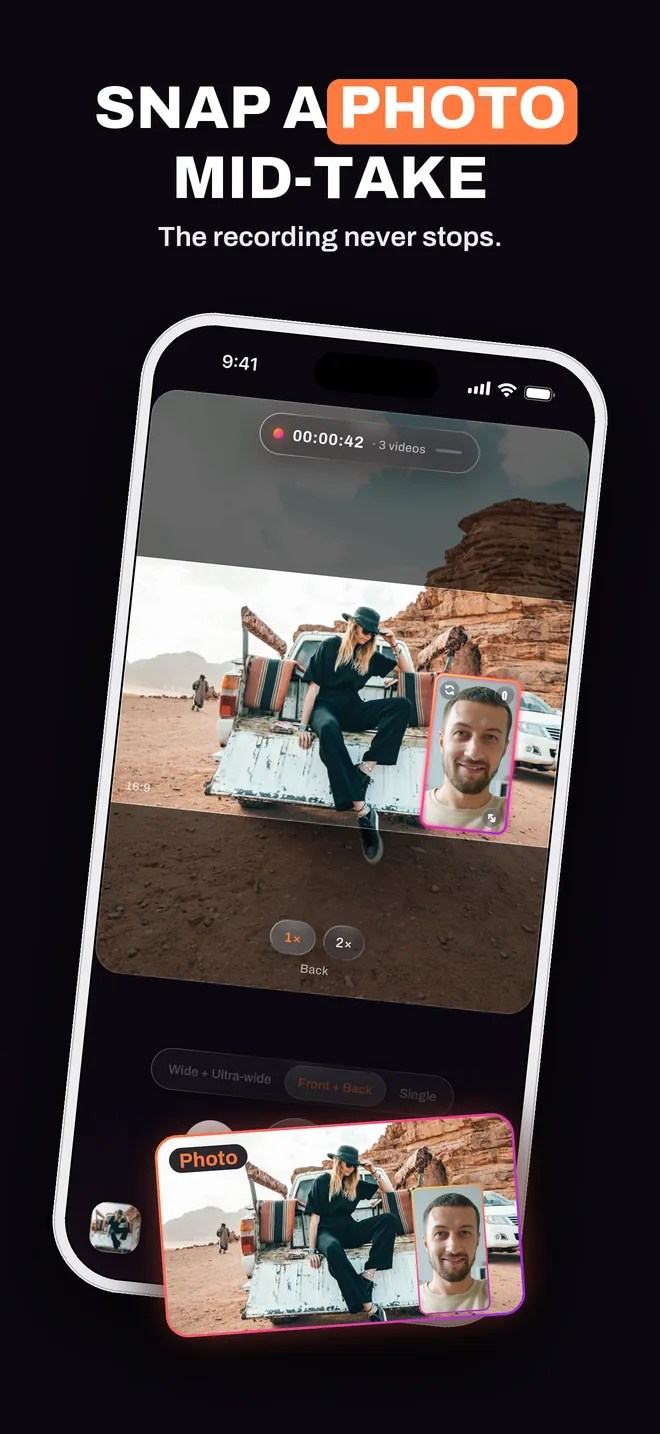
Snap a photo without stopping
A shutter sits beside the record button for the whole take. Tap it and the still is saved with the take’s own arrangement while the video keeps going.
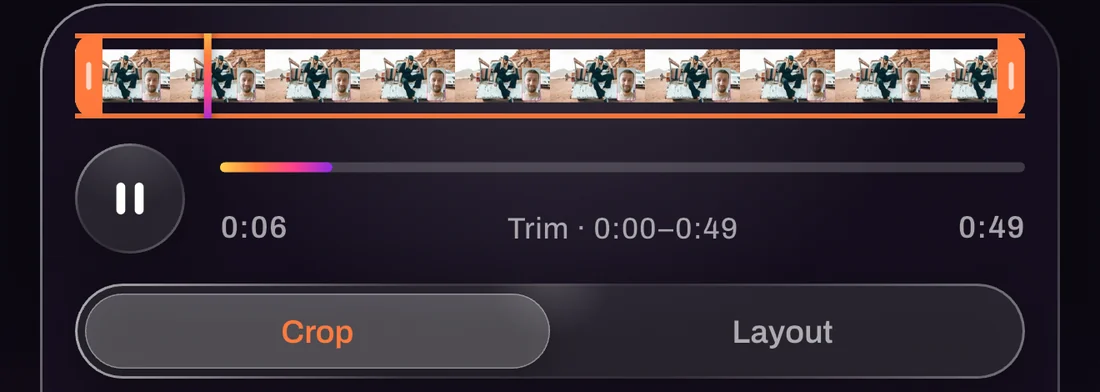
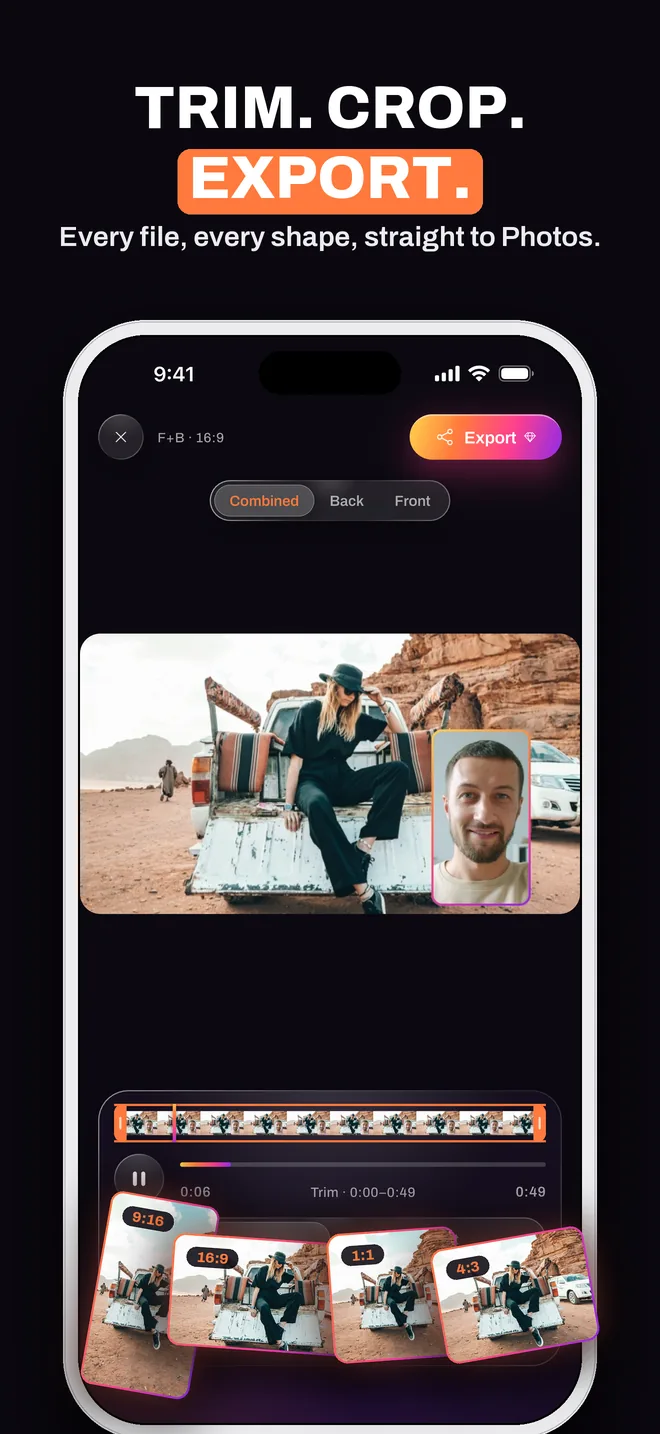
Trim, crop, export
Filmstrip trimming and any crop. A multi-video take shows a switch per camera; trim once, export all or just the ones you want. Export to Photos is part of PRO. Trim, crop, captions and export
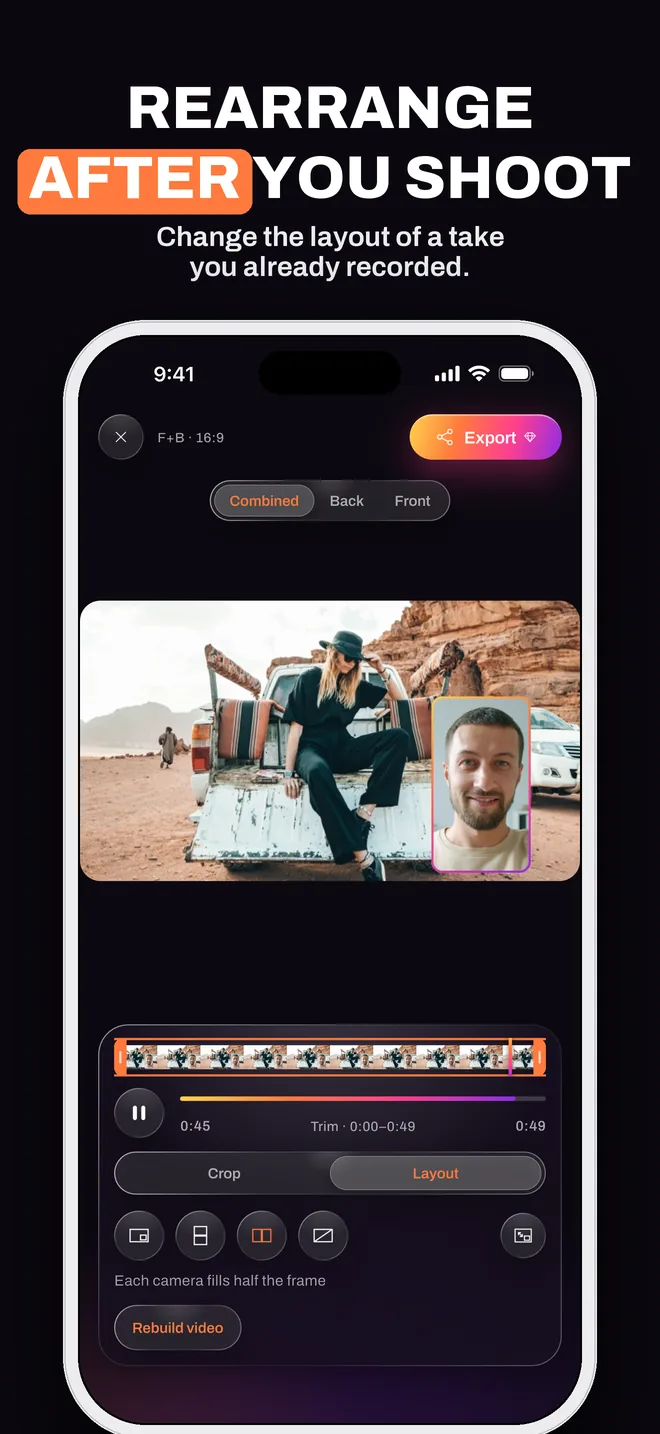
Rearrange a take later
Saved the clean videos? Pick a new layout, shape or camera order and the combined video is rebuilt. The original is untouched.
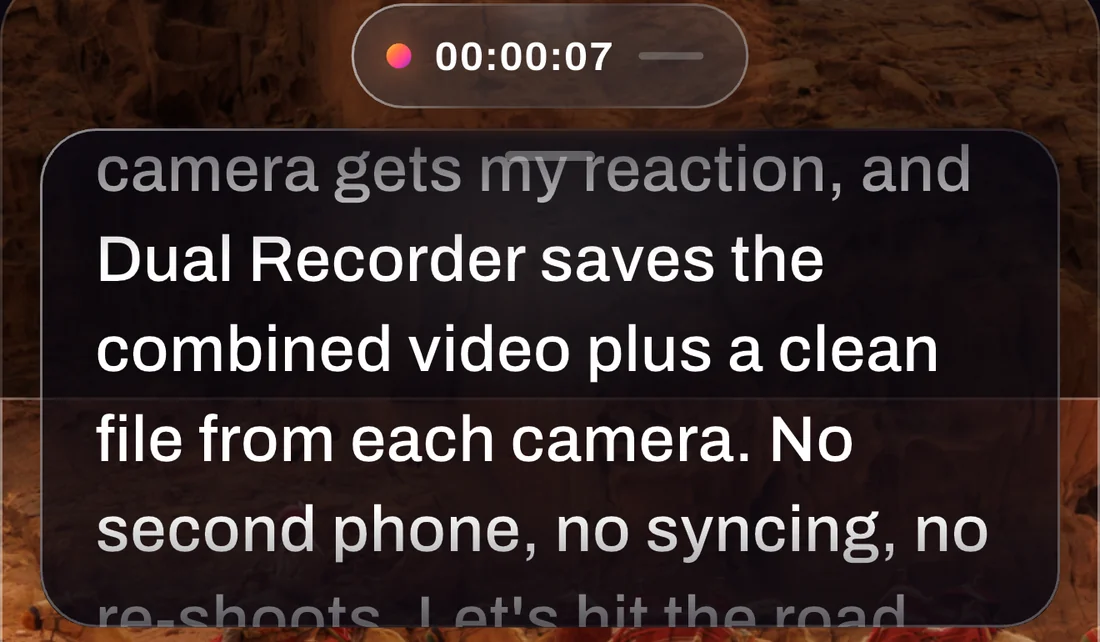
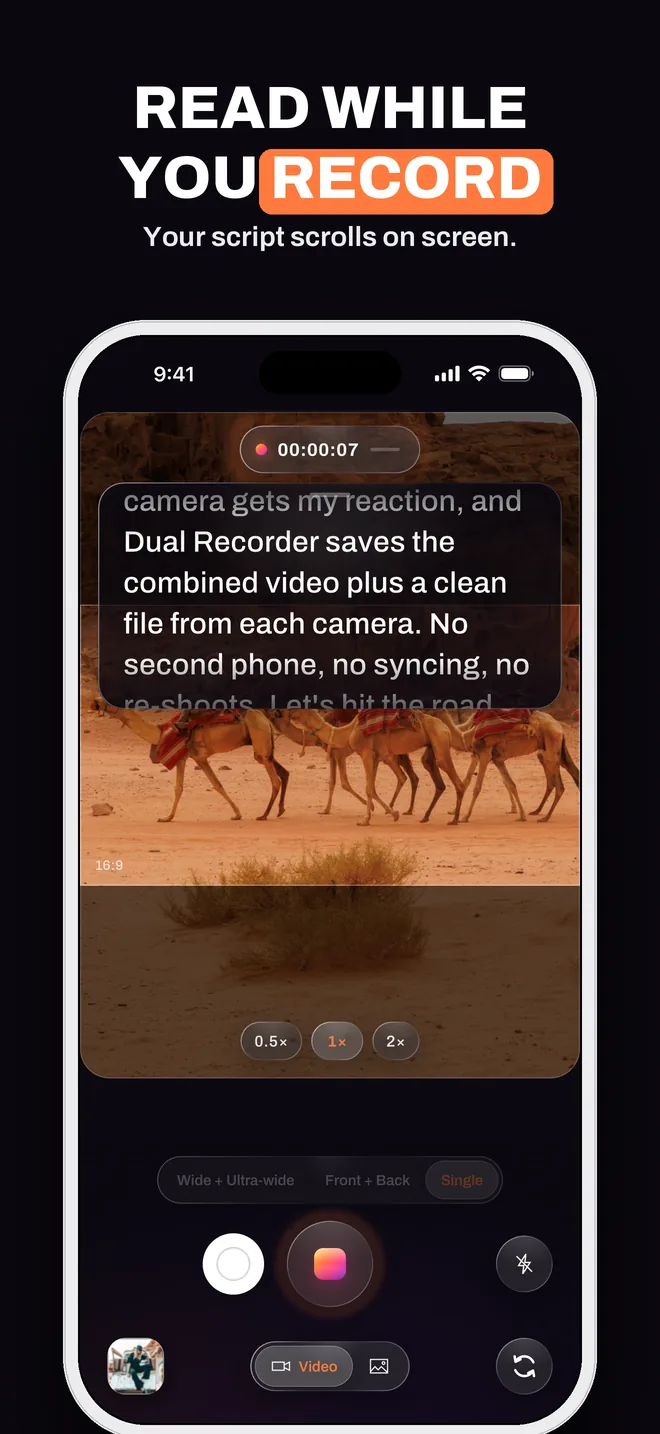
Read while you record
Your script scrolls over the preview at the speed, size and opacity you set. Eyes on the lens. How the teleprompter works
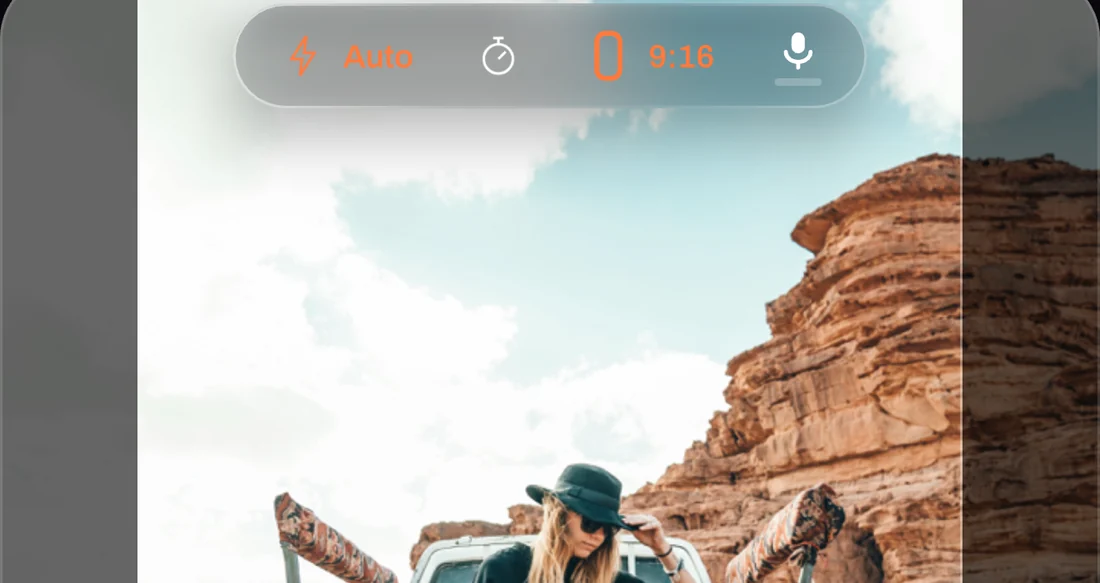
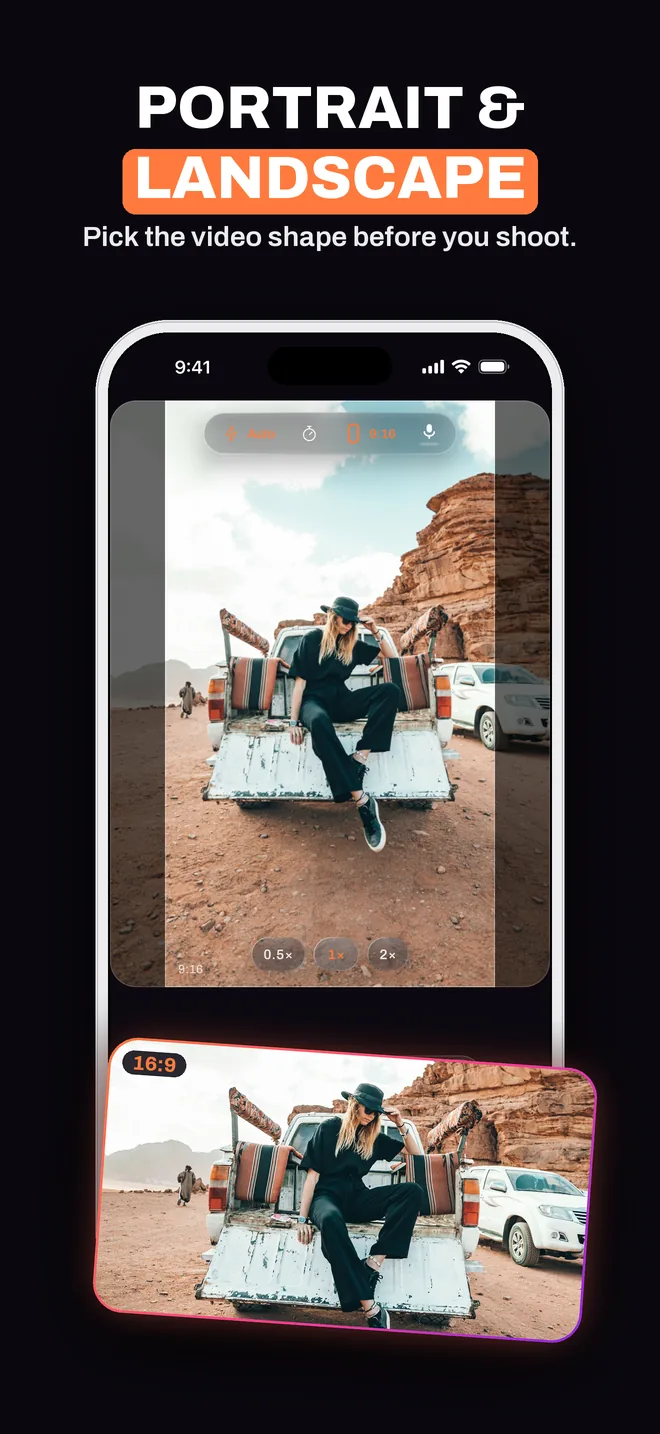
Portrait or landscape
9:16 for the feed, 16:9 for the channel, 1:1 or the full sensor. A bright band shows exactly what ends up in the file.
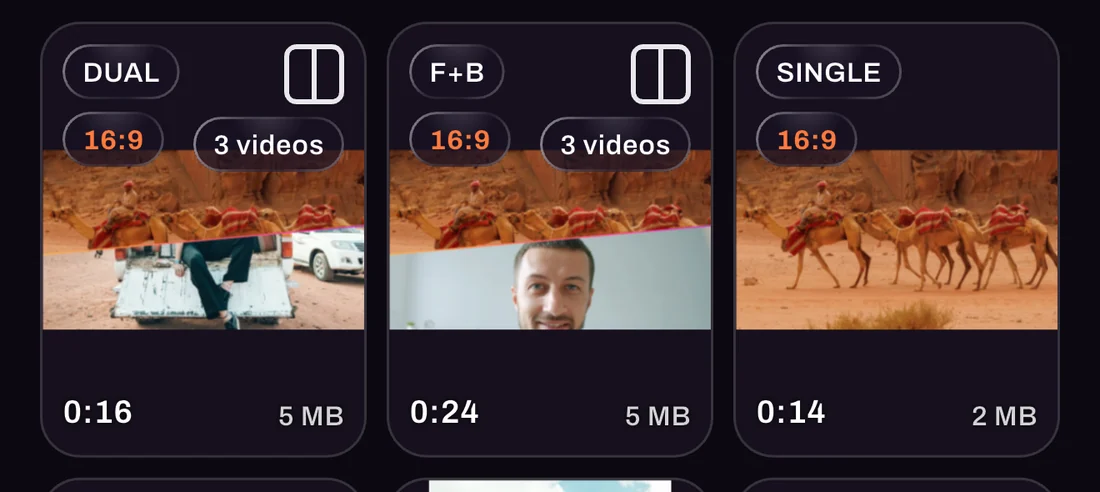
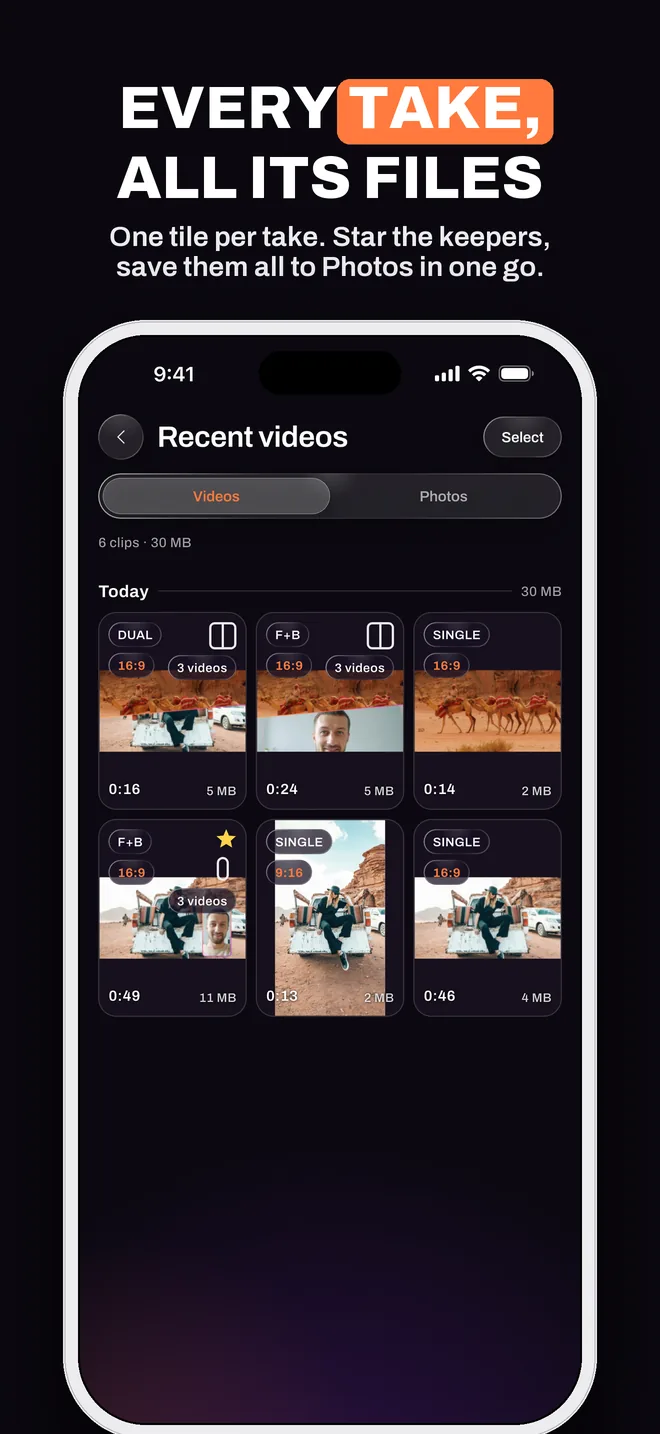
Every take, all its files
One tile per take, grouped by day with what each one costs. Press and hold to star the keepers, then save or share a selection in one go.
Settings that tell the truth
Settings show what the camera really records in each mode, not just what you asked for. Which iPhones record with two cameras
A look around
The camera, the layouts, the editor
FAQ
Questions, answered
Which iPhones can record with two cameras?
Two-camera recording uses Apple’s multi-camera capture and needs an iPhone XS, iPhone XR or newer on iOS 15 or later. Single mode works on every iPhone the app installs on. In the two-camera modes the app picks the best quality both lenses can sustain at once and steps down automatically.
Is Dual Recorder free?
Yes. Recording, choosing what a take saves, layouts, photos, the teleprompter, the library and the editor are free, with no ads. Exporting videos to Photos or sharing them is part of Dual Recorder PRO, a weekly or yearly subscription billed by Apple. Prices are shown in the app before you subscribe.
What exactly does “Both” save?
Three files from one take: the combined video with the second camera in its window or split, plus a clean full-frame video from each camera. All three share the same length, size and microphone track.
Can I change the layout after recording?
If the take saved the clean per-camera videos (Separate or Both), yes: the editor’s Layout tool rebuilds the combined video in any arrangement. A Combined-only take cannot be rearranged, which is why the app tells you what it saves before you record.
Does anything leave my phone?
Recording, editing and on-device captions all happen on your iPhone. There is no account and there are no ads. Only what you save or share yourself leaves the device, plus anonymous crash reports and the subscription receipt Apple issues; the privacy policy has the details.
How do captions work?
On iPhones running iOS 26, Dual Recorder writes a transcript on the device, lets you correct any line, and exports it as an SRT file or burns the words into the picture on export. Phones that cannot transcribe are simply not offered the tool.
When is it out?
Dual Recorder is in its final testing round on TestFlight and is coming to the App Store for iPhone. Follow the blog for the release note, or write to support@evokey.tech.
Record once. Get every file.
Dual Recorder: Dual Camera is coming to the App Store for iPhone. Questions in the meantime? We are here.